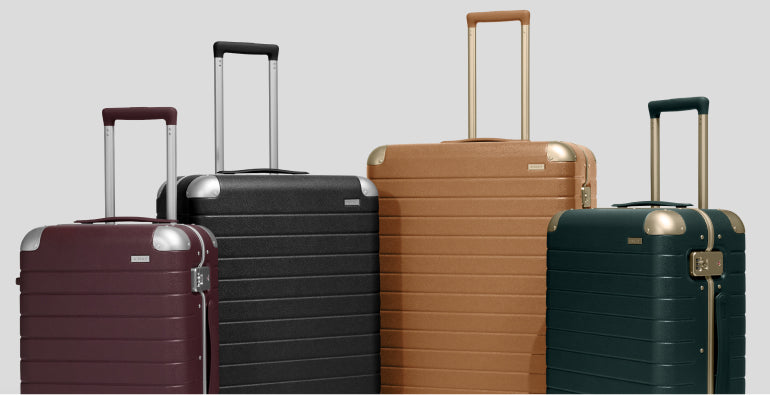
KEEP IT CLEAN
A washcloth and mild soap will remove any minor scuffs, and a melamine sponge will take care of the more stubborn marks.
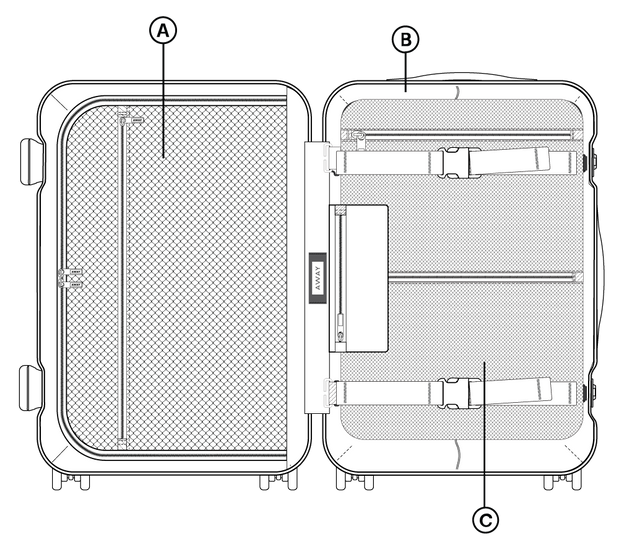
Use a vacuum with a crevice tool to clean the interior lining, corners, and pockets to remove dust, crumbs, and debris.
Our Clear Luggage Cover provides an extra layer of protection from scratches and rough airline handling.
STOW AWAY
If you have suitcases in multiple sizes, you can nest them inside each other to save space: Just unzip the left side of the larger suitcase and set the smaller one inside, then zip the larger bag closed.
Always ensure your luggage is completely clean and dry before putting it away to prevent mildew, mold, and odors.Store your luggage in a cool, dry, and clean place away from direct sunlight (which can cause fading) and extreme temperature fluctuations (which can warp hard shells). Good places include closets, under the bed, or in temperature-controlled basements.
Avoid stacking heavy items on top of your suitcase in storage, as this can cause warping or cracking.
ZIPPER CARE
Avoid overpacking as this could damage your zipper. Our Compression Packing Cubes allow you to maximize your space.
Use a soft-bristled brush (like a toothbrush) to clear any grime or dirt from the zipper teeth. If a zipper is stiff or sticky, rub the teeth with a zipper lubricant, bar of soap, or a crayon/candle wax to help it slide smoothly.
REPAIRS
If part of your suitcase has broken, we have repair kits to help you fix it on your own. To request a repair kit, contact us.